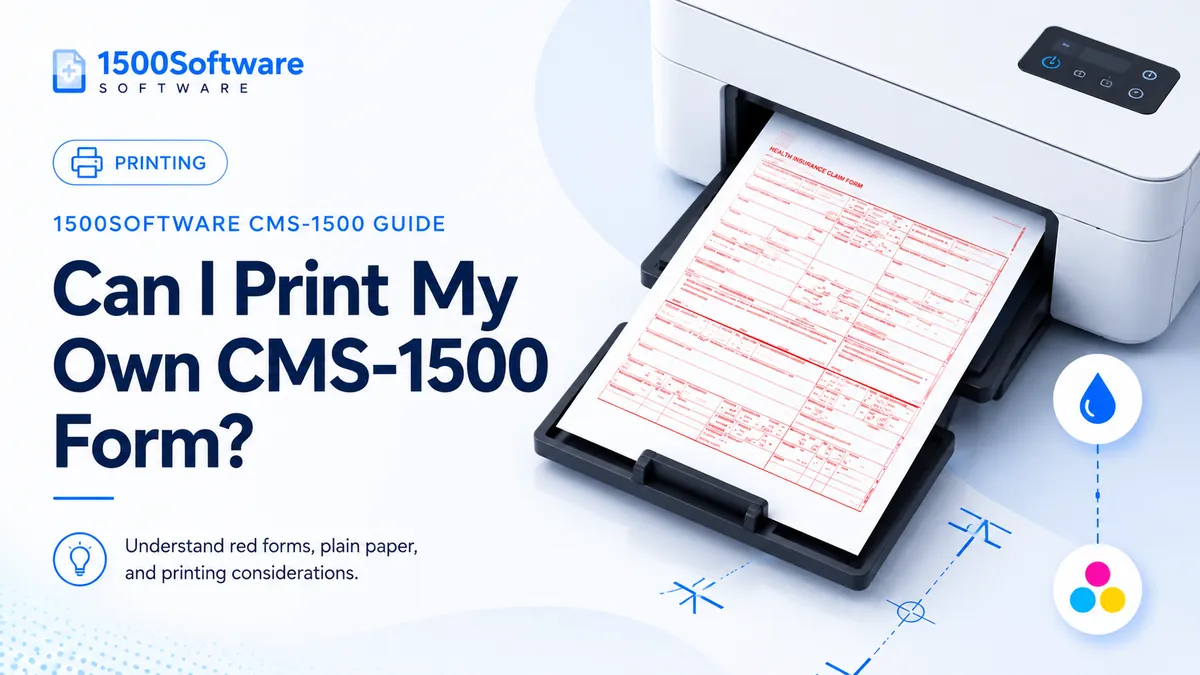
Why ordinary color printing is not the same as using an approved preprinted claim form.
From our workflow: For Can I Print My Own CMS-1500 Form, first decide whether the whole data layer is shifted or whether the error grows across the page. Those two symptoms usually have different causes.
Payers that accept paper claims may require the approved red-dropout form and scanning-compatible specifications. A downloaded image is useful for reference, but it may not be suitable for claim submission.
For Can I Print My Own CMS-1500 Form, first determine whether the whole data layer is shifted by a fixed amount or whether the error grows across the page. We adjust one setting at a time and keep the same fictional test claim for each print.
Why this deserves a careful check
An entry for Can I Print My Own CMS-1500 Form may be the right length and still be the wrong value. The surrounding coverage, provider, and service information has to support it.
Do not change Can I Print My Own CMS-1500 Form simply to clear an edit. The value should come from the printer driver, page-scaling settings, form version, and a fictional test claim, and the correction should be made in the source record when possible.
A controlled print workflow
- Use fictional test data and mark the page as a test.
- Select U.S. Letter paper, portrait orientation, and 100% or Actual Size.
- Disable fit-to-page, shrink, borderless, booklet, and multiple-pages-per-sheet options.
- Print one page and inspect fields near every edge.
- Change one setting at a time and record the result.
What to double-check
- Using a screenshot or PDF image as claim stock.
- Printing the form at “fit to page”.
- Using the wrong red color.
- Cutting or shifting the form.
A prior claim is useful for comparison, but we recheck Can I Print My Own CMS-1500 Form against the printer driver, page-scaling settings, form version, and a fictional test claim. Coverage, enrollment, authorizations, codes, and addresses can change between visits.
Final review
- Ask the payer what paper form is accepted.
- Obtain compliant stock.
- Print only the claim data when appropriate.
- Preserve 100% scale and test alignment.
- Compare the completed claim with the clinical and billing record.
- Confirm the receiving address or electronic route.
- Keep a secure copy and proof of submission.
What software can check
Software is useful for formatting and consistency checks around Can I Print My Own CMS-1500 Form, but it cannot create missing documentation or decide a payer-specific value. The source record still controls the claim.
Separate office copies from claim-submission copies
A complete plain-paper copy can be useful for internal review, but the receiving payer determines whether a submitted paper claim must use an approved red-ink form. Before replacing preprinted stock, confirm the payer’s imaging and paper-claim instructions rather than assuming that a visually similar printout will scan correctly.
Official references
The sources below describe the national form or transaction framework. Check the payer’s current instructions before filing.