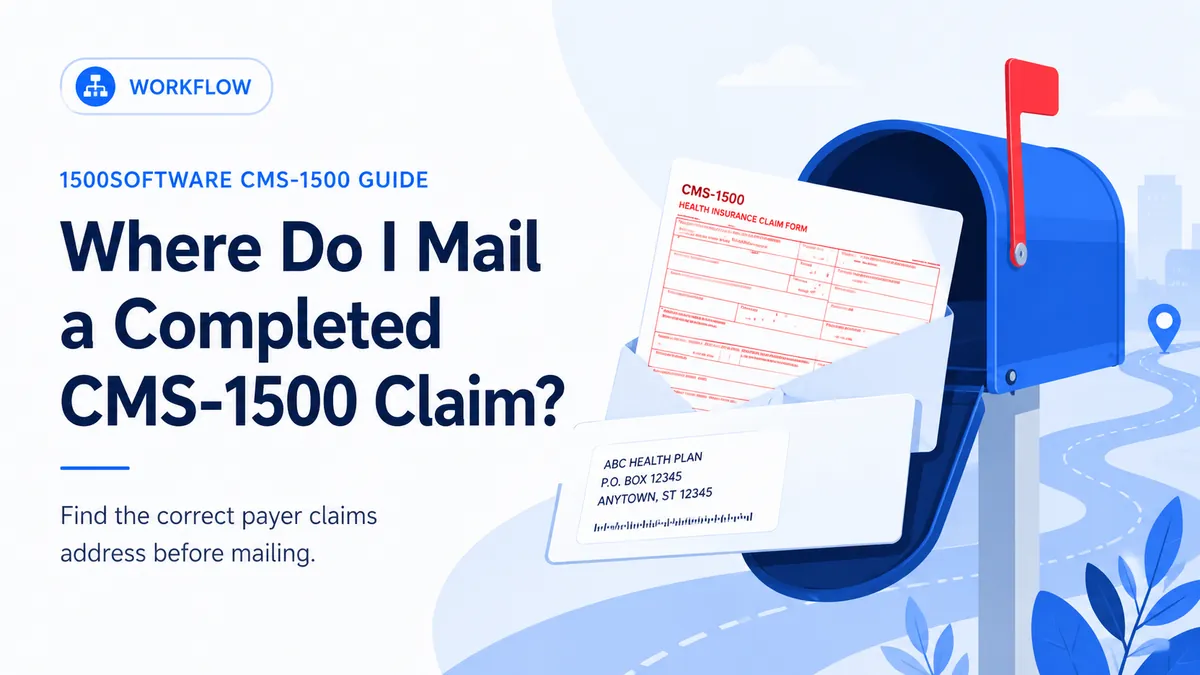
A safe process for finding the correct payer claims address.
From our workflow: We treat Where Do I Mail a Completed CMS-1500 Claim as a repeatable workflow: verify the source, prepare the claim, review it, submit it, and save the response. Skipping the response step is how rejected claims disappear from follow-up.
Completed claims go to the payer or claims administrator responsible for processing them—not to the NUCC or CMS simply because the form is called CMS-1500. The address can vary by plan, region, claim type, or network.
For Where Do I Mail a Completed CMS-1500 Claim, we keep preparation, review, submission, and follow-up as separate steps. The record should show what was sent, when it was sent, what came back, and who owns the next action.
What this affects downstream
An entry for Where Do I Mail a Completed CMS-1500 Claim may be the right length and still be the wrong value. The surrounding coverage, provider, and service information has to support it.
Do not change Where Do I Mail a Completed CMS-1500 Claim simply to clear an edit. The value should come from the original source record and the receiving payer’s current instructions, and the correction should be made in the source record when possible.
Suggested workflow
- Gather source documents and confirm current coverage.
- Prepare the complete claim from finalized documentation.
- Perform a second review focused on roles, dates, codes, identifiers, units, and totals.
- Submit through the payer-approved method and save proof.
- Reconcile the acknowledgment or remittance and assign follow-up work.
Problems we see in claim review
- Mailing to the address on an old remittance.
- Sending a Medicare claim to a general CMS address.
- Overlooking a special claims address on the member card.
A prior claim is useful for comparison, but we recheck Where Do I Mail a Completed CMS-1500 Claim against the original source record and the receiving payer’s current instructions. Coverage, enrollment, authorizations, codes, and addresses can change between visits.
Before the claim leaves your office
- Check the member ID card.
- Confirm the payer portal or manual.
- Verify address and department.
- Use tracking when appropriate.
- Document the mailing date.
- Compare the completed claim with the clinical and billing record.
- Confirm the receiving address or electronic route.
- Keep a secure copy and proof of submission.
What the software should handle
Software is useful for formatting and consistency checks around Where Do I Mail a Completed CMS-1500 Claim, but it cannot create missing documentation or decide a payer-specific value. The source record still controls the claim.
Official references
The sources below describe the national form or transaction framework. Check the payer’s current instructions before filing.