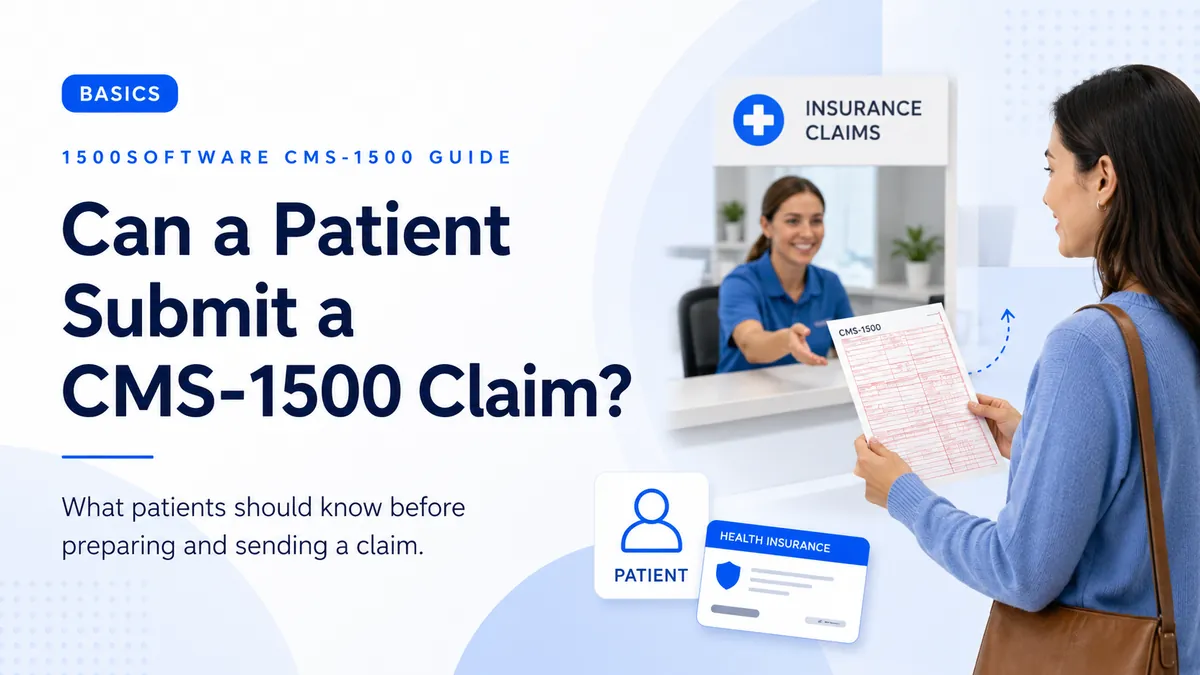
What to consider when a patient is asked to submit a professional claim.
From our workflow: The easiest way to understand Can a Patient Submit a CMS-1500 Claim is to follow one claim from the source record to the paper form or 837P file and then to the payer response.
Some plans allow or require members to submit out-of-network or reimbursement claims. The patient should follow the plan’s instructions and obtain complete provider and service information.
The form provides a standard place for Can a Patient Submit a CMS-1500 Claim, but the payer decides when the field is required and which value is accepted. Use the current payer rule rather than assuming every program handles it the same way.
Why this field matters
For Can a Patient Submit a CMS-1500 Claim, we also check the related patient, insured, provider, diagnosis, and service-line data. A field can pass a format edit and still be inconsistent with the claim around it.
Passing an edit is not the same as filing an accurate claim. For Can a Patient Submit a CMS-1500 Claim, correct the underlying record instead of substituting a value that merely looks acceptable.
How to use this guidance
- Identify the payer and claim type.
- Confirm paper submission is permitted.
- Review the current NUCC instructions and the payer manual.
- Prepare and review the claim using source documents.
- Keep a copy and proof of submission.
What commonly goes wrong
- Assuming the patient should sign every provider certification.
- Omitting itemized service information.
- Mailing without a copy or proof.
A prior claim is useful for comparison, but we recheck Can a Patient Submit a CMS-1500 Claim against the original source record and the receiving payer’s current instructions. Coverage, enrollment, authorizations, codes, and addresses can change between visits.
A quick check before submission
- Request an itemized bill.
- Follow the plan’s member-claim instructions.
- Complete only appropriate signature areas.
- Copy the claim and attachments.
- Track the submission.
- Compare the completed claim with the clinical and billing record.
- Confirm the receiving address or electronic route.
- Keep a secure copy and proof of submission.
Using software without skipping review
For Can a Patient Submit a CMS-1500 Claim, software should catch missing values and obvious conflicts while leaving coverage, coding, and documentation decisions to the user and current payer rules.
Source material
The sources below describe the national form or transaction framework. Check the payer’s current instructions before filing.