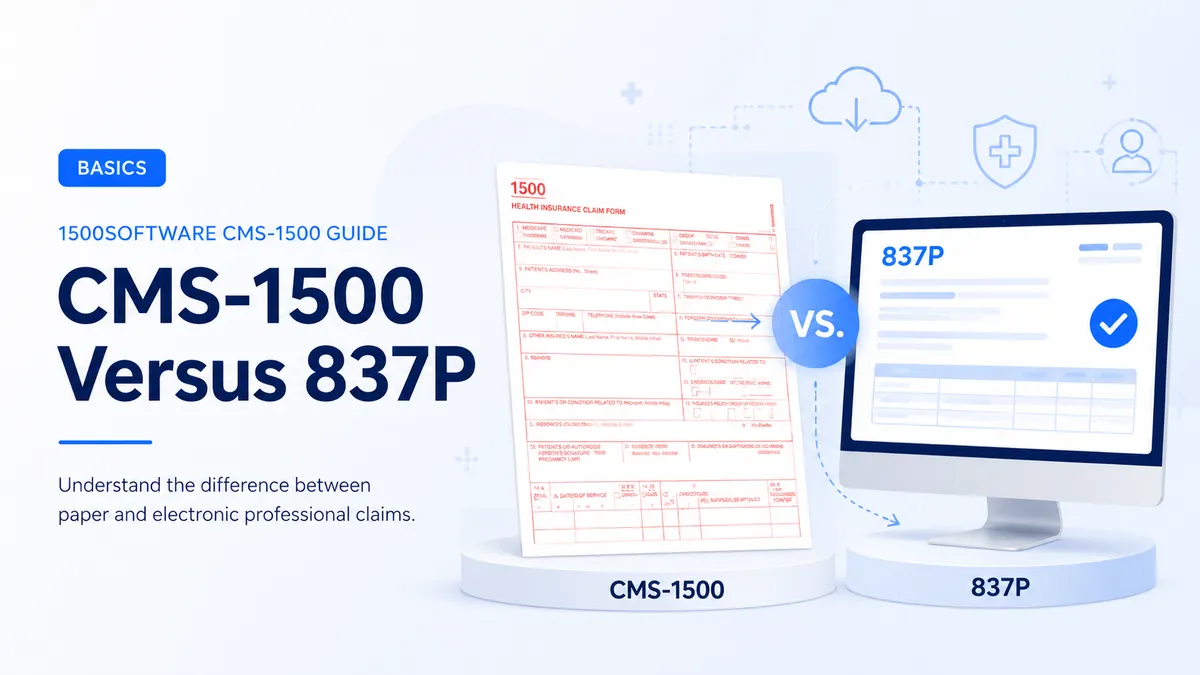
Understand the relationship between the paper form and the electronic professional claim format.
From our workflow: For CMS-1500 Versus 837P, keep the patient, insured, provider, payer, and service roles separate. Many claim errors start when two of those roles are treated as the same thing.
The CMS-1500 is the paper representation of a professional claim, while the 837P is the standard electronic transaction used to transmit professional claim data. The concepts overlap, but the electronic file includes loops, segments, identifiers, and control information not visible as boxes on paper.
The form provides a standard place for CMS-1500 Versus 837P, but the payer decides when the field is required and which value is accepted. Use the current payer rule rather than assuming every program handles it the same way.
What this affects downstream
The payer does not read CMS-1500 Versus 837P in isolation. We compare it with the surrounding claim data before deciding the entry is ready.
If CMS-1500 Versus 837P fails an edit, verify the source and the payer rule before changing it. A guessed value can move the problem from rejection to denial.
How to use this guidance
- Identify the payer and claim type.
- Confirm paper submission is permitted.
- Review the current NUCC instructions and the payer manual.
- Prepare and review the claim using source documents.
- Keep a copy and proof of submission.
Mistakes worth catching early
- Assuming a printed claim can simply be scanned into an 837P.
- Ignoring companion-guide rules.
- Believing file creation automatically completes enrollment and transmission.
A prior claim is useful for comparison, but we recheck CMS-1500 Versus 837P against the source claim record, the implementation guide, and the receiver’s companion guide. Coverage, enrollment, authorizations, codes, and addresses can change between visits.
Final review
- Choose paper or electronic based on payer rules.
- Obtain the companion guide.
- Complete enrollment/testing.
- Validate the file before transmission.
- Compare the completed claim with the clinical and billing record.
- Confirm the receiving address or electronic route.
- Keep a secure copy and proof of submission.
Where software helps—and where it does not
Software is useful for formatting and consistency checks around CMS-1500 Versus 837P, but it cannot create missing documentation or decide a payer-specific value. The source record still controls the claim.
Official references
The sources below describe the national form or transaction framework. Check the payer’s current instructions before filing.